> For the complete documentation index, see [llms.txt](https://docs.stoik.io/llms.txt). Markdown versions of documentation pages are available by appending `.md` to page URLs; this page is available as [Markdown](https://docs.stoik.io/help/help-nl/preventietools/cloud-scan/entra-id.md).
# Installatie: Entra ID
Geef de Cloud-scan leesrechten voor uw Microsoft 365-tenant door twee lezerrollen toe te wijzen aan de Stoïk Cloud Scanner-toepassing.
## Vereisten
* Een Entra ID-account (Active Directory in de cloud) met beheerdersrechten.
* Voor doorlopende supervisie en het verhelpen van kwetsbaarheden is een technisch adviseur vereist.
* Eén persoon doet de volledige installatie, van begin tot eind: een Stoïk Protect-gebruiker die preventietools mag bewerken en ook beheerder is van de Entra ID-tenant.
* Aangemeld bij één Microsoft-tenant: degene die je wilt scannen. Als de installatie vastloopt, start je deze opnieuw in een privébrowservenster, alleen aangemeld bij die tenant.
## Installatie
{% stepper %}
{% step %}
### Selecteer Entra ID
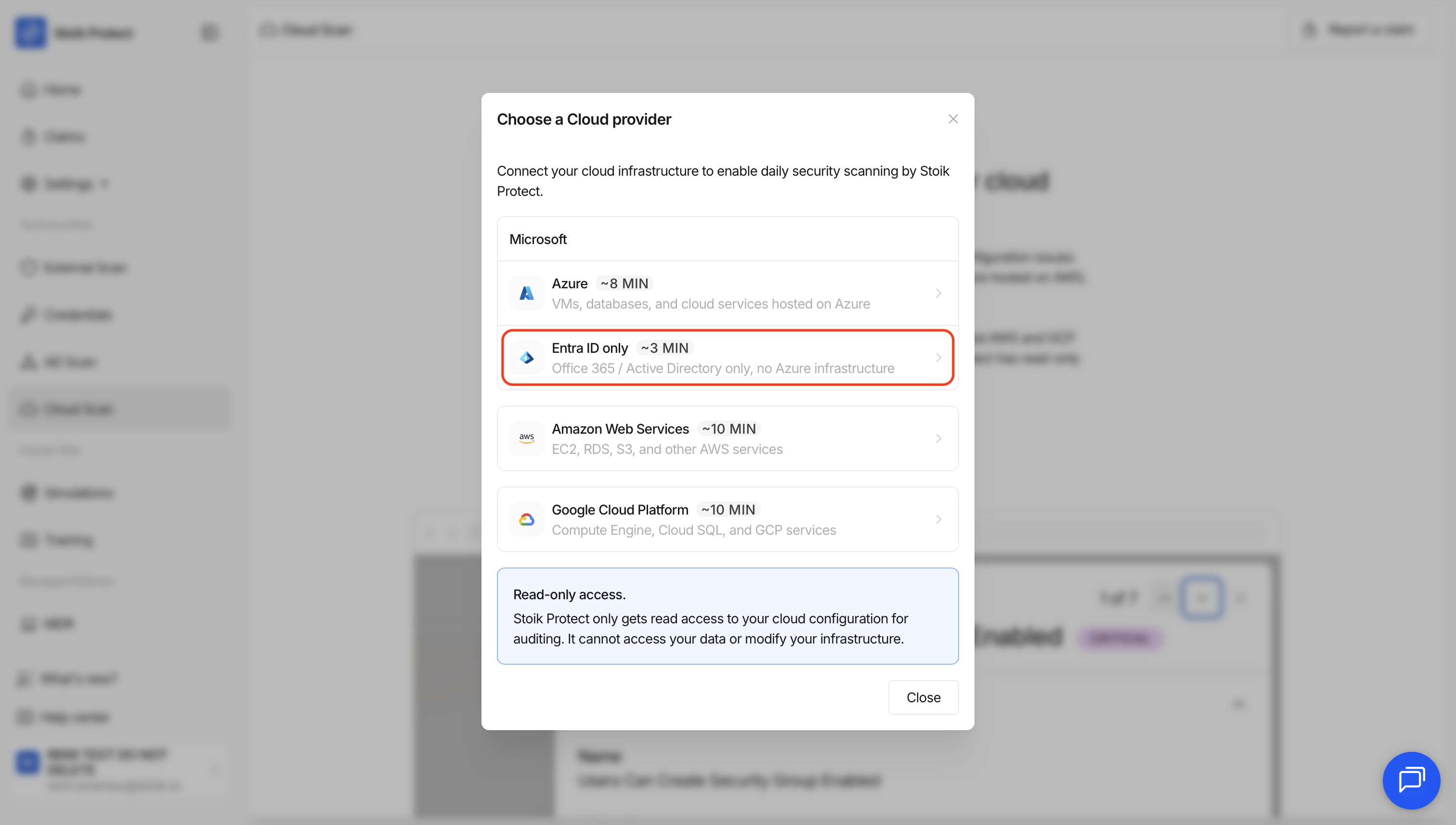
* Als je nog geen provider hebt ingesteld: ga naar `Cloud Scan` > `Start Cloud Scan` > `Alleen Entra ID`.
* Als je al een provider hebt: ga naar `Cloud Scan` > `Instellingen` > `Nieuwe provider` > `Alleen Entra ID`.
{% endstep %}
{% step %}
### Machtigingen verlenen
1. Ga in het linkermenu naar `Microsoft Entra ID` > `Rollen en beheerders`.
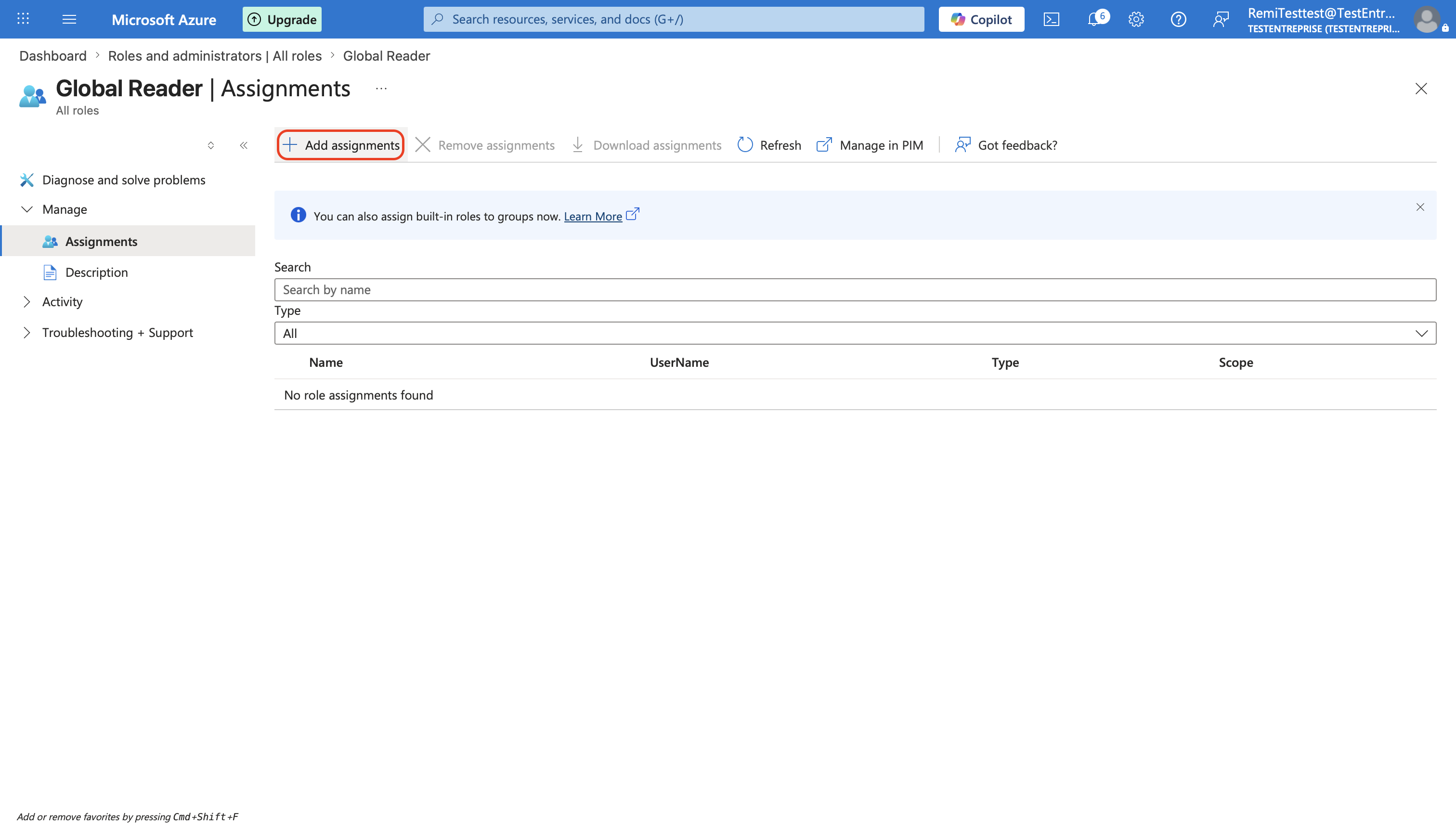
2. Zoek naar de `Global Reader` -rol en klik erop.
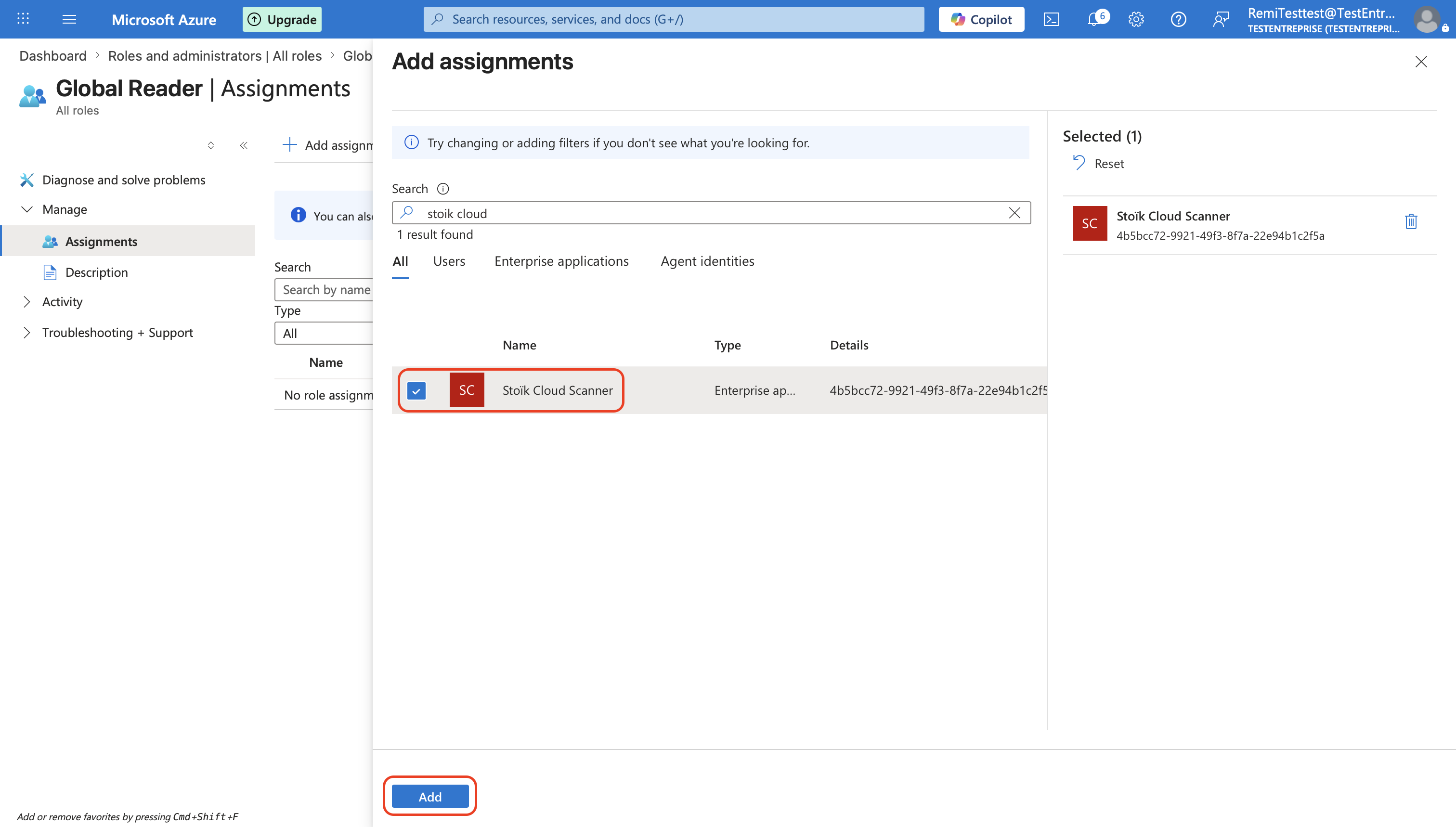
3. Klik op `Toewijzingen toevoegen`, zoek naar `Stoïk Cloud Scanner`, selecteer deze en klik vervolgens op `Toevoegen`.
4. Herhaal stappen 2 en 3 voor de `Security Reader` -rol.
{% hint style="warning" %}
Verleen geen extra rechten zoals `Global Secure Access Administrator`, anders werkt het niet.
{% endhint %}
{% endstep %}
{% step %}
### Voltooi de installatie
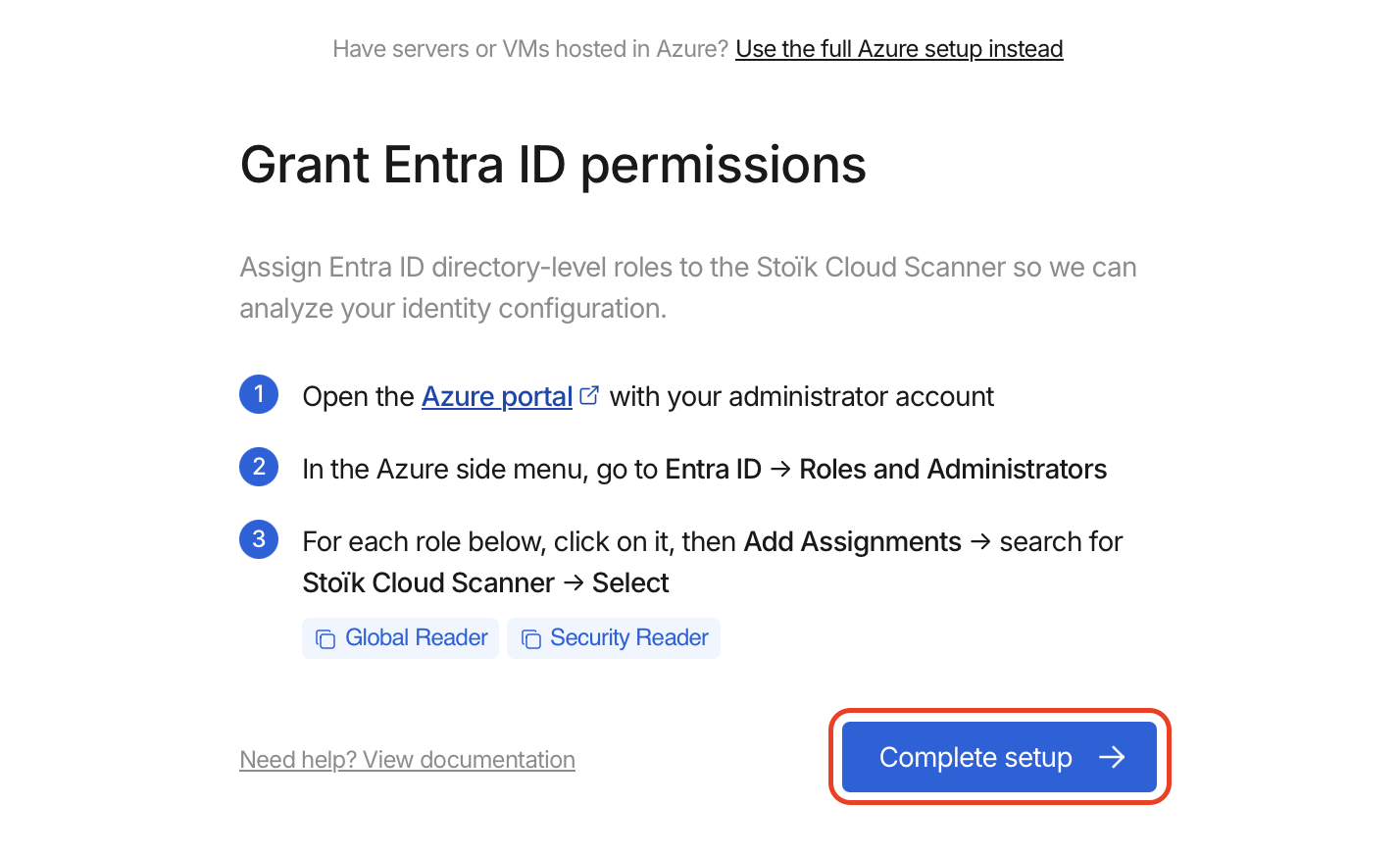
Klik op `Voltooien` in de Stoïk Protect-console.
{% hint style="info" %}
Vernieuw de Stoïk Protect-pagina indien nodig.
{% endhint %}
{% endstep %}
{% endstepper %}
## Probleemoplossing
Policy.Read.All kan niet worden verleend, of er ontbreekt een machtiging
Als u "Policy.Read.All kan niet worden verleend" krijgt, of als `Reports.Read.All` of `UserAuthenticationMethod.Read.All` ontbreekt, kunnen deze machtigingen niet handmatig worden toegevoegd. Verleen opnieuw beheerdersinstemming aan de Stoïk-toepassing:
1. In [portal.azure.com](https://portal.azure.com), zoek naar **Stoïk Cloud Scanner** (`Enterprise-toepassingen`).
2. Openen `Beveiliging` > `Machtigingen`.
3. Klik op **Beheerdersinstemming verlenen voor \** en accepteer de pop-up.
De instemming moet de hele organisatie omvatten, niet alleen het eigen account van de beheerder. Zonder `Policy.Read.All`, kan Stoïk uw Conditional Access-beleid niet lezen, wat gevolgen heeft voor de [MFA-bevindingen](/help/help-nl/preventietools/cloud-scan/results.md#mfa-findings-entra-id).
---
# Agent Instructions
This documentation is published with GitBook. GitBook is the documentation platform designed so that both humans and AI agents can read, navigate, and reason over technical content effectively. Learn more at gitbook.com.
## Querying This Documentation
If you need additional information that is not directly available in this page, you can query the documentation by asking a question.
Perform an HTTP GET request on the following URL with the `ask` and `goal` query parameters:
```
GET https://docs.stoik.io/help/help-nl/preventietools/cloud-scan/entra-id.md?ask=&goal=
```
`ask` is the immediate question: it should be specific, self-contained, and written in natural language.
`goal` is what the user is ultimately trying to achieve, the reason they need the answer. Sharing it helps GitBook give you a better, more relevant answer. A goal is most helpful when it describes the outcome the user wants rather than restating the question. For example, with `ask=how do I create an API token`, a goal like `automate deployments from our CI pipeline` lets GitBook tailor the answer to that use case.
The response will contain a direct answer to the question and relevant excerpts and sources from the documentation.
Use this mechanism when the answer is not explicitly present in the current page, you need clarification or additional context, or you want to retrieve related documentation sections.